VoIP setup under 15 minutes

There are many great VoIP services out there. Personally, I have only tried Twillio and Telnyx, until now. I recently learned of about a VoIP service called VoIP.ms after reading an article in the Unredacted magazine from Michael Bazzell.

Setting up an account with VoIP.ms has been fast and easy. I can also say that the configuration is very straight forward. Once you begin creating an account, you may be required to provide a facial authentication. This as part of their Know Your Customer (KYC) process to verify your identity and prevent fraud.
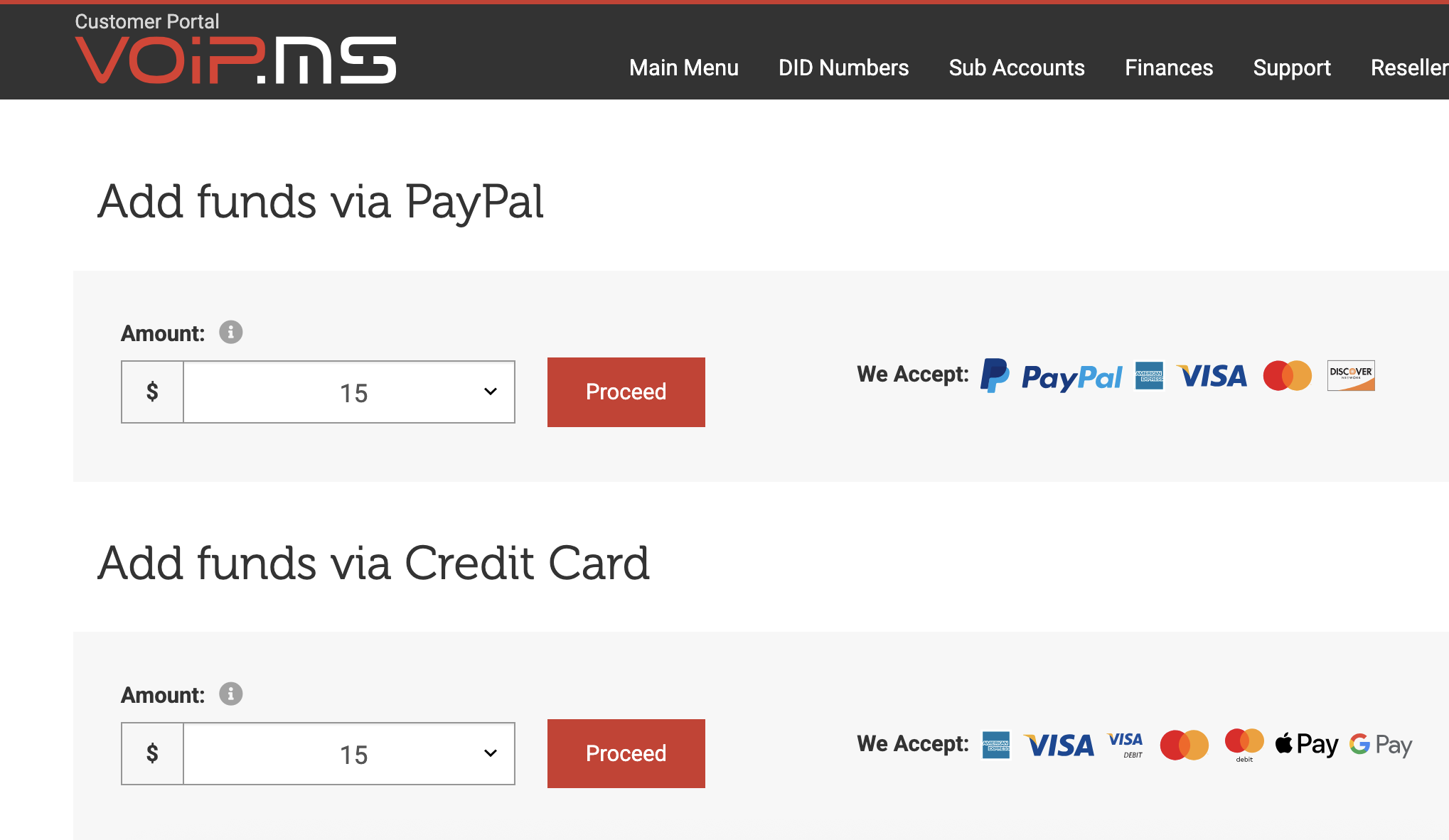
Once you have created your account, you will need to fund the account. The minimum dollar amount is $15.
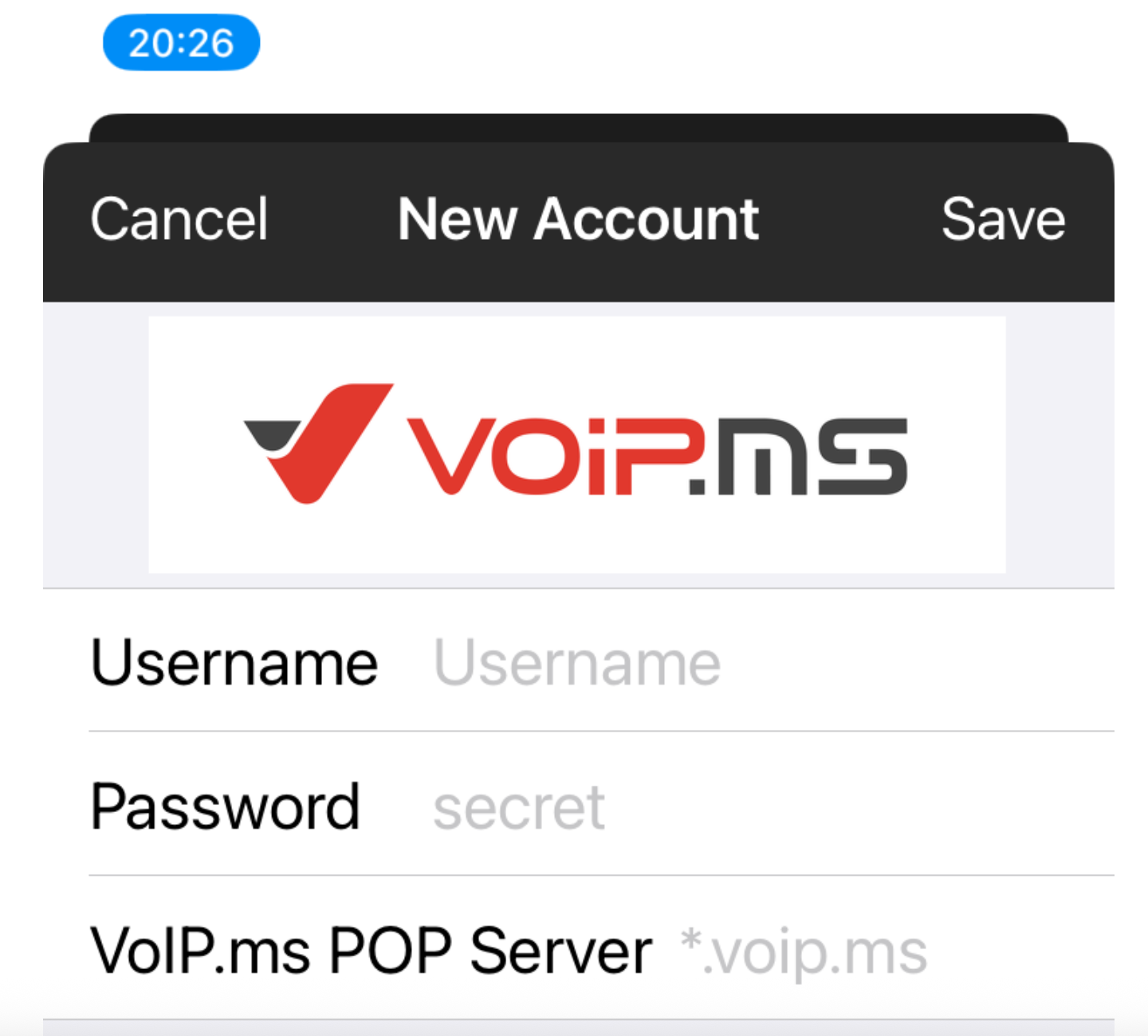
After funding your account, you will choose Order DID (Direct Inward Dialing). Choose a location and number. Once that is completed, I recommend downloading the mobile app. Once installed, you will add the following info
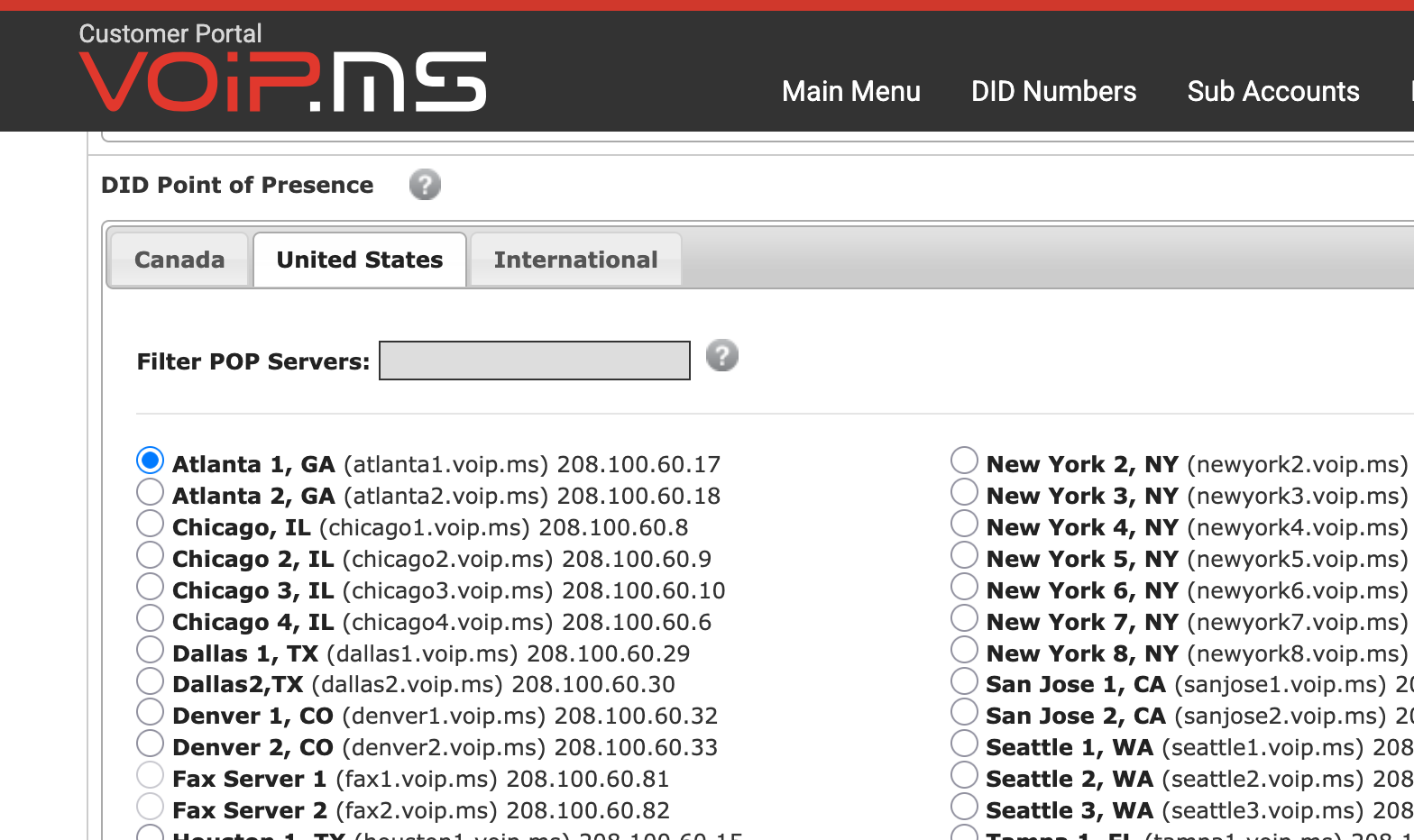
The POP server will be found in the "DID Point of Presence" section in your dashboard under Edit DID Settings.
You should now be able to make calls through the mobile app. If you choose to use Linphone, which works best on Linux, you will need to create a sub account then use those credentials during the Linphone set up.
If you have any feedback or thoughts, I would enjoy hearing them.